
Widex SmartRIC
What do you need help with?


Bluetooth Support
Need bluetooth support for your Widex hearing aids? Here are some resources to help with common bluetooth questions.
Hearing Aid Apps
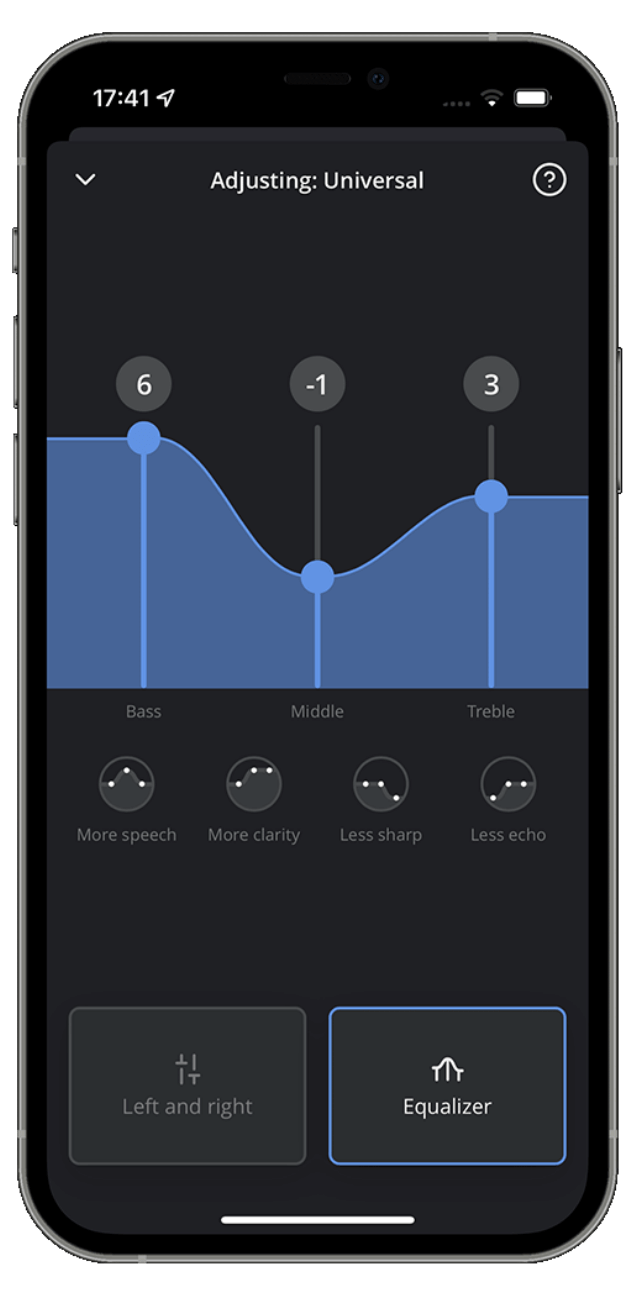
What you can do with the Widex Moment App
Directional Focus
- Select to focus on sound coming from the front, back, left, or right
- Control where you want to concentrate your hearing
AI Sound Personalization
- Use SoundSense Learn to get AI-powered sound recommendations tailored to your needs
- Create custom sound profiles in real-time with just a few settings
- Let the Widex Artificial Intelligence engine analyze your preferences and create the sound you want
Device Control
- Fully control your hearing aids from your Apple or Android smartphone
- Adjust settings and programs as needed
Remote Care Access
- Connect with your audiologist through the Widex Remote Care companion app
- Receive the same adjustments to your hearing aids as you would in the clinic
- Explain hearing difficulties from the comfort of your own home
Video Tutorials
How to pair your Widex hearing aids to an iPhone
How to pair your Widex hearing aids to an Android
How to take a call using Widex hearing aids and an iPhone
How to take a call using Widex hearing aids an Android phone
How to stream music using Widex hearing aids and iPhone
Widex Maintenance Video
How to change the filter on BTE Hearing Aids
How to change the battery on BTE Hearing Aids
How to clean BTE Hearing Aids
Hearing Aid FAQs
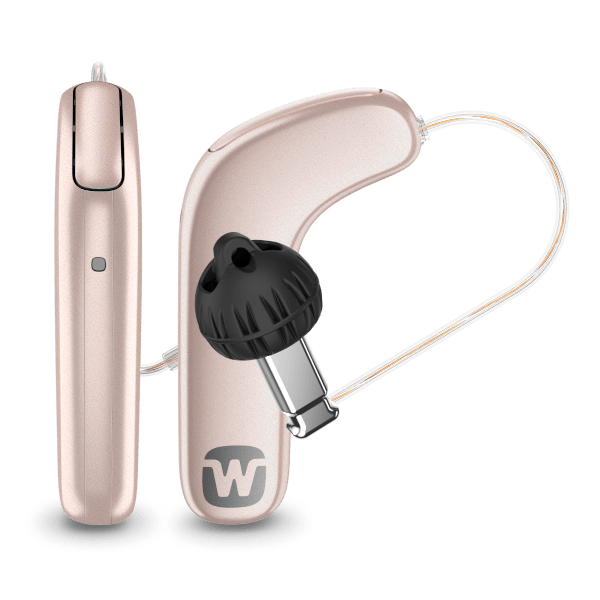
The SmartRIC features a unique L-shaped design that sits higher on your ear, helping you hear conversations more clearly in noisy environments. Its distinctive shape and elevated microphone placement set it apart from traditional hearing aid styles.
Widex provides several tone options with different characteristics—some with slower, calming rhythms and others with faster tempos. There's also a gentle noise option. Your hearing care professional can help you try different tones to find which one provides the most relief.
Widex is a pioneer in using fractal-based therapeutic tones for tinnitus management. Their Zen program has been helping people manage tinnitus for years, making them a trusted choice for those dealing with ringing or buzzing in their ears.
Yes, Widex provides remote care services, allowing your audiologist to make adjustments to your hearing aids remotely. This means you can address hearing concerns from the comfort of your home without needing to visit the clinic.
You can stream TV audio to your Widex hearing aids using the TV Play or TV Play 2 accessories. Check with your hearing care professional to confirm which accessory is compatible with your specific hearing aid model.
Accessory compatibility depends on your hearing aid platform:
Widex Allure: TV-Play 2 and RC2-DEX
Widex Moment: TV-Play 2, TV-Play, Sound Assist, SoundConnect, Com-DEX, Phone DEX 2, and RC2-DEX