
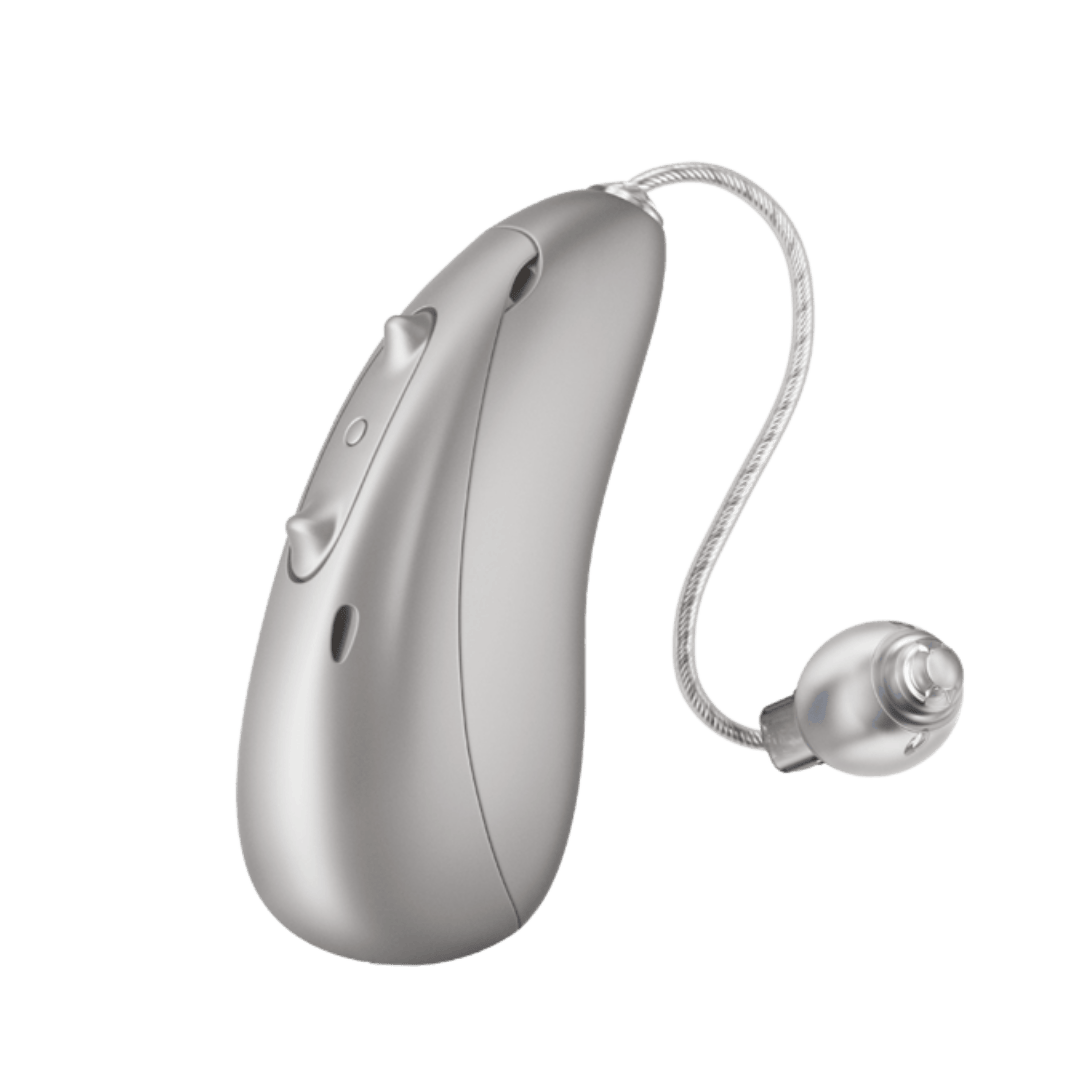
Unitron Moxi S-R (Smile)
What do you need help with?

Bluetooth Support
Need bluetooth support for your Unitron hearing aids? Here are some helpful resources for common bluetooth questions.
Hearing Aid Apps
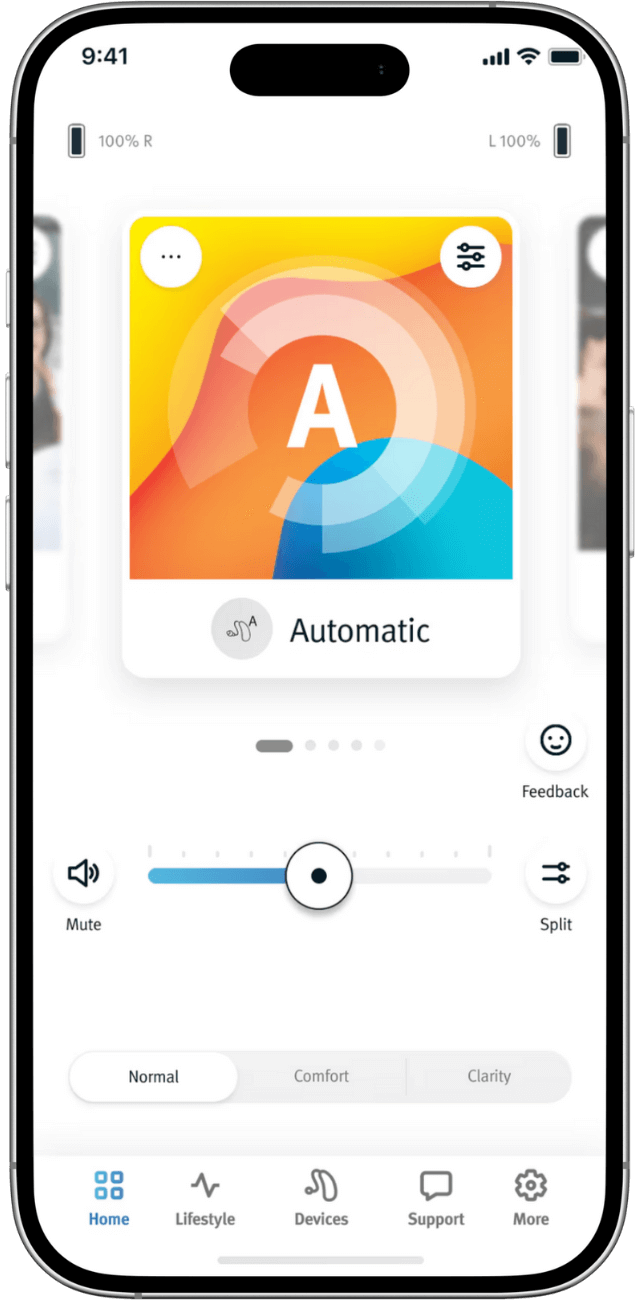
What you can do with the Unitron Remote Plus App
Control & Adjustments
- Adjust volume and settings to your hearing needs
- Change programs
- Make every conversation count with personalized adjustments
Feedback & Monitoring
- Provide in-the-moment feedback through Ratings while capturing hearing aid settings
- Help your provider make more efficient and personalized counseling
Remote Support
- Receive remote fine-tuning adjustments from your hearing provider
- Get professional care conveniently, no matter where you are
- Receive personalized messages with adjustments you can accept and apply
Coaching & Guidance
- Get personalized, timely tips, reminders, and advice through Coach
- Receive help integrating hearing aids into your daily life
Device Management
- Use Find my Devices for peace of mind if you misplace your hearing aids
Video Tutorials
How to Pair Your Hearing Aids to Bluetooth
How to manage calls and media on your hearing aid with convenient tap control
How to clean Moxi Fit microphones
How to replace the wax guard
How to replace the battery in a Moxi Fit hearing aid
Easy adjustments to personalize your hearing aids
How to charge your Moxi Jump R hearing aids
How to Pair TV Connector
How to Tap Control
Unitron Remote Plus App: How to add manual program
Hearing Aid FAQs
Unitron Bluetooth hearing aids require the TV Connector accessory to stream audio from your television. Once connected, the TV Connector transforms your hearing aids into a wireless stereo headset, delivering TV audio directly to your devices.
Accessory compatibility depends on your hearing aid platform.
Blu and Discover Next platforms support:
- Remote Plus app
- TV Connector
- PartnerMic
- Remote Control
- Roger
Discover and Moxi All platforms support:
- Remote Plus app
- TV Connector
Unitron hearing aids do not currently support smartwatch apps.
Yes, hearing aids powered by Vivante, Blu, Discover Next, and Discover can stream media from your computer via Bluetooth.
Moxi All hearing aids can connect to your computer's Bluetooth for phone calls through programs like FaceTime, Skype, or WhatsApp, but they cannot stream audiobooks, music, videos, or other multimedia content.
You have several options to adjust call volume when using Bluetooth with your Unitron hearing aids:
- Use the volume control buttons on your mobile phone
- Use the push button on your hearing aids (if configured for volume control)
- For Smile hearing aids: Adjust volume through the Remote Plus app while streaming a call to change the streamed sound level