
Signia IX
What do you need help with?

Bluetooth Support
Need bluetooth support for your Signia hearing aids?
Hearing Aid Apps
What you can do with the Signia App
Real-Time AI Support
- Use the Signia Assistant for 24/7 support
- Get help with sound customization and troubleshooting
- Receive continuous support to personalize settings to your preferences
Sound Adjustments
- Adjust settings to your hearing needs
- Make every conversation count with personalized controls
- Customize your hearing experience on the go
Mobile Control
- Use the user-friendly mobile app to manage your hearing aids
- Control volume and program changes
- Access features directly from your smartphone
Video Tutorials
How to pair Signia hearing aids to an iPhone or iPad
How to pair Signia hearing aids to an Android smartphone
How to pair and stream with TV Sound
How to pair the miniPocket remote control with your hearing aid
How to use CallControl with Pure Charge&Go AX and Pure 312 AX hearing aids
How to use CallControl with Styletto AX hearing aids
How to use CallControl with Active Pro IX
How to use HandsFree for iOS
How to clean a rechargeable hearing aid
Charging hearing aids with the Pure Charger
Charging hearing aids with the Pure Portable Charger
Charging hearing aids with the Pure Dry&Clean Charger
How to charge the Styletto AX Charger
How to charge Insio Charge&Go AX
How to Replace Signia Wax Filters
Hearing Aid FAQs
CallControl allows you to manage hands-free phone calls on your iPhone or iPad directly through your Signia AX hearing aids via Bluetooth.
For Pure Charge&Go AX, Pure 312 AX, and Insio Charge&Go AX models, you can use the rocker switch or push button to accept calls (short press), reject calls (long press), or end calls (long press).
Styletto AX wearers can accept and end calls by simply double-tapping their hearing aid.
CallControl is available on all Signia 7AX, 5AX, and 3AX hearing aids and must be activated by your hearing care professional in Connexx software.
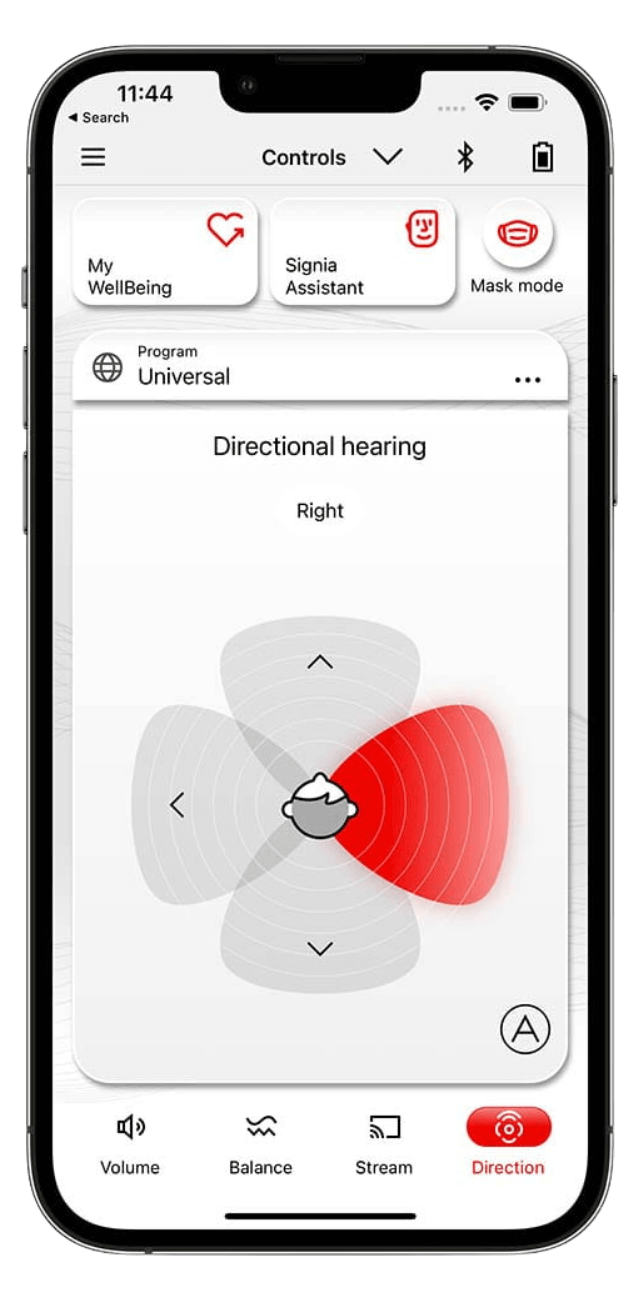
Signia Assistant is an AI-powered feature that provides 24/7 support for customizing your hearing aid sound settings and troubleshooting issues. You can access Signia Assistant directly through the Signia app on your smartphone, allowing you to make real-time adjustments based on your preferences without needing to visit your hearing care professional for minor changes.
The Signia app works with all Signia hearing aids except the Fun and Fast models.
Signia hearing aids do not currently support Auracast. While some models include Low Energy Audio technology, Auracast requires additional hardware and software that aren't yet available in current Signia devices.
Signia is actively monitoring Auracast adoption in consumer electronics and public spaces. As Auracast becomes more widely available, Signia plans to integrate this technology into future hearing aid models so users can benefit from Auracast-enabled devices and venues.
TeleCare is an optional telehealth service that allows your hearing care professional to support you remotely. Through TeleCare, your provider can view your hearing aid usage statistics, receive feedback about your experience, chat with you via text in the Signia app, and make remote adjustments as if you were in their office.
TeleCare is not required to use the Signia app—all app features work without it. If you're interested in TeleCare, ask your hearing care professional if they offer this service and they can guide you through setup. During the app's initial setup, you can choose "Set up later" to skip TeleCare for now and set it up later if you change your mind.
Streaming depends on your hearing aid model and device:
Apple computers: Some Signia hearing aids can stream directly from compatible Mac computers. Check Apple's support page to see if your Mac is compatible.
Other devices: Most Signia hearing aids can only stream audio from devices that support specific protocols (Apple MFi, Android ASHA, or LE Audio). Your hearing aids may detect other Bluetooth devices, but audio won't stream unless the device uses one of these compatible streaming protocols.
Signia IX hearing aids: If you have Signia IX with firmware version 25.5.972.3 or newer, you may be able to stream from devices that support LE Audio.
For the best streaming experience with your TV, consider using a Signia StreamLine TV accessory, which is designed to work seamlessly with your hearing aids.