
ReSound Vivia
What do you need help with?
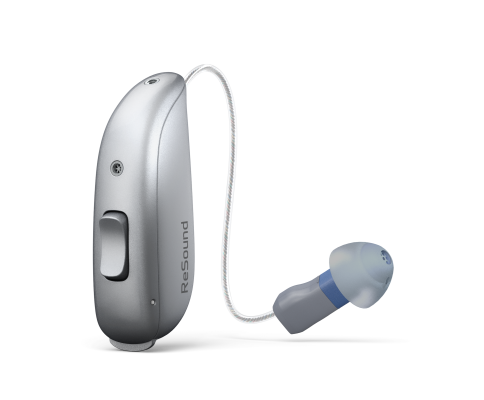

Bluetooth Support
Need bluetooth support for your ReSound hearing aids?
Hearing Aid Apps
What you can do with the ReSound Smart 3D App
Learning & Setup
- Learn how to wear your hearing aids correctly
- Get guidance on proper use and care
Sound Personalization
- Personalize your sound experience
- Adapt your hearing aids to various listening situations
Hearing in Noise Program
- Access the new 'Hear in Noise' program
- Adjust settings for challenging listening environments
Professional Support
- Request assistance from your hearing care professional
- Get remote help when you need it
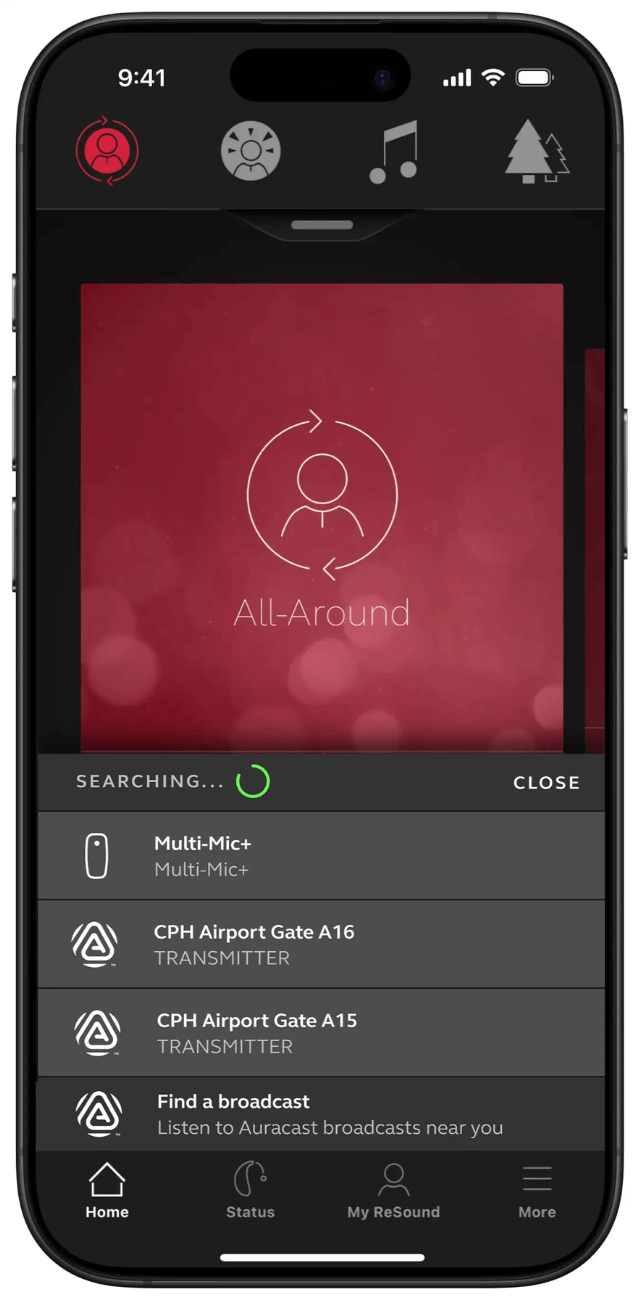
Auracast Assistant
- Use the world's first Auracast Assistant for hearing aids
- Connect to Auracast broadcasts with a single tap
- Scan and select from available private (encrypted) and public (unencrypted) streams
- Enjoy sound directly streamed to your hearing aids
Video Tutorials
How to put on and take off your Receiver-in-Ear hearing aids
How to clean your Receiver-In-Ear hearing aids
How to insert and remove the receivers in your hearing aids
How to insert batteries in your Receiver-in-Ear hearing aids
How to insert & remove domes
How to insert & remove wax filter in RIE hearing aids
How to change programs in your Receiver-In-Ear hearing aids
How to pair hearing aids with ReSound Smart 3D app using an iPhone
How to pair hearing aids with ReSound Smart 3D app using an Android device
How to adjust volume with ReSound App
How to use quick buttons with ReSound App
How to request service with ReSound Assist
How to use Find my Hearing Aid using ReSound App
Hearing Aid FAQs
Remove the rubber dome from the receiver by pinching and peeling it off. Take a black plastic stick from the wax guard pack—insert the empty end into the old wax guard and pull it out. Flip the stick over and insert the new wax guard (on the other end) into the same spot by gently pushing straight in. Remove the stick, replace the dome, and you're done. Change wax guards monthly or whenever sound becomes weak.
The ReSound TV Streamer 2 allows you to stream audio from your television directly to your ReSound hearing aids from up to 7 meters (23 feet) away. This accessory works with your TV, stereo, or computer, delivering clear sound straight to your devices.
ReSound hearing aids include warranty coverage ranging from 1 to 4 years, depending on your specific model. Since hearing aids typically last around 5 years, you may want to ask about extended warranty options when purchasing your devices.
Yes, ReSound provides remote care options that allow your hearing care professional to make adjustments to your hearing aids without requiring an office visit. This convenient service lets you receive professional support from the comfort of your home.
ReSound offers several accessories to enhance your listening experience, including the TV Streamer 2 for direct TV audio streaming, Remote Microphone for improved hearing in noise or over distance, and MultiMic+ for versatile listening situations.