
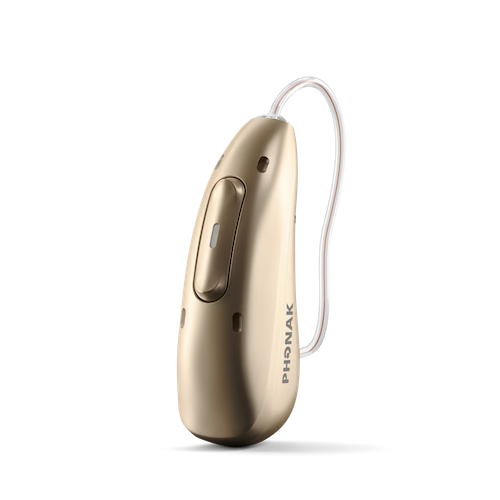
Phonak Infinio
What do you need help with?

Bluetooth Support
Need Bluetooth support for your Phonak hearing aids?
Hearing Aid Apps
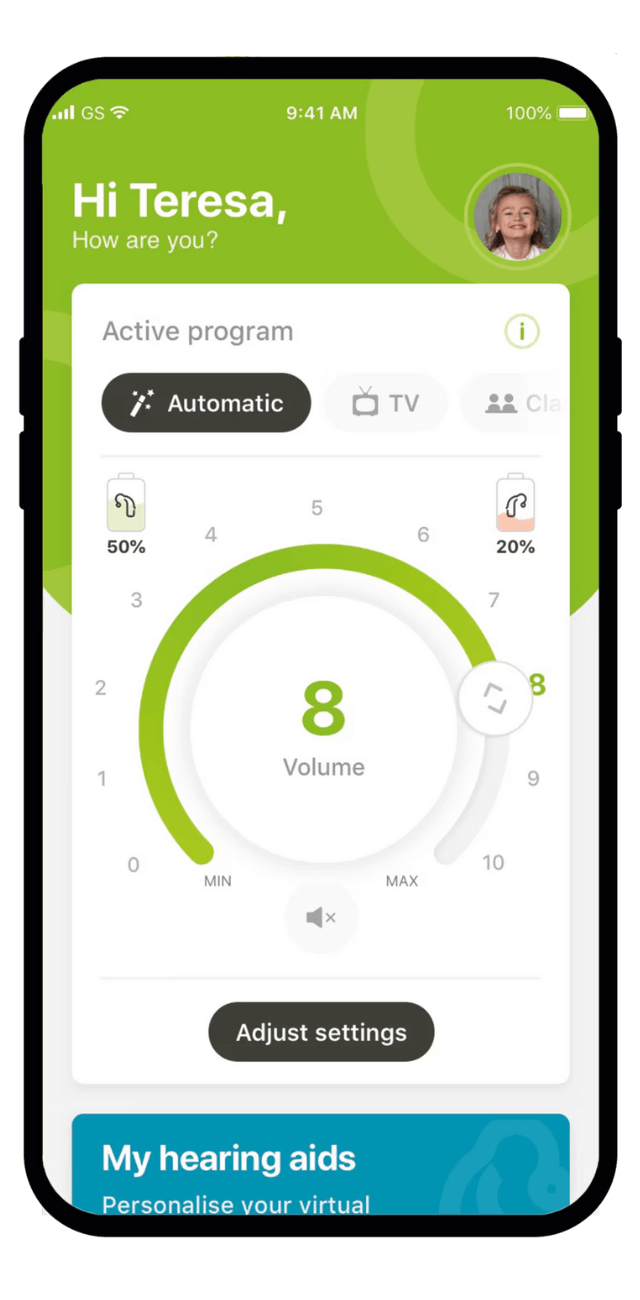
What you can do with the myPhonak App
Control & Adjustments
- Make remote adjustments to your hearing aids
- Change programs and adjust volume
- Use the hearing diary to track experiences and preferences
Health & Activity Tracking
- Monitor wearing time
- Track step count
- View other health-related data
Convenience Features
- Control hearing aids via smartphone or Apple Watch
- Access directional focus controls for dynamic listening
Support & Communication
- Request remote assistance from your hearing care professional
- Get help with troubleshooting
Video Tutorials
How to connect my hearing aids to iPhone
How to connect my hearing aids to Android
How to troubleshoot Bluetooth on iPhone
How to troubleshoot Bluetooth on Android
How to turn off Bluetooth Sounds on iPhone
How to turn off Bluetooth Sounds on Android
How to connect the myPhonak app on iPhone to rechargeable hearing aids
How to connect the myPhonak app on Android with rechargeable hearing aids
How to use the myPhonak app as Remote Control
How to use myPhonak Health with Paradise Rechargeable Hearing Aids
How to change EasyGuardTM domes on a RIC hearing aid
How to change a dome on Phonak RIC (Receiver-In-Canal) hearing aids
How to change the wax filter with CeruShield Disk on Phonak hearing aids
How to update your hearing aid through myPhonak
How can I find my hearing aid if I lost it?
Hearing Aid FAQs
Clean your Phonak hearing aids weekly by:
- Wiping earmolds or domes with a tissue or alcohol wipe
- Brushing the microphone ports with a small brush
- Wiping charging contacts (rechargeable models) or battery door (disposable models) with an alcohol wipe
Replace wax guards monthly or whenever sound becomes weak or muted. Replace rubber domes every 3+ months if damaged. Keep backup wax guards on hand, and schedule regular professional maintenance visits with your provider for deep cleaning and earwax removal.
Phonak hearing aids are compatible with the following Roger wireless microphones:
- Roger ON - Versatile microphone with multiple modes for conversations, meetings, and TV streaming
- Roger Select - Designed for group conversations and table placement
- Roger Table Mic - Optimized for conference rooms and group settings
- Roger Clip-On Mic - Clips onto clothing for one-on-one conversations in noise
- Roger Touchscreen - Features a touchscreen interface for easy control
- Roger Pass-around - Ideal for passing between speakers in meetings or classrooms
Place your hearing aids within 1 meter of the TV Connector. Press the connect button on the back of the TV Connector. Within 10 seconds, you'll hear a confirmation beep in your hearing aids, confirming that pairing is complete.
If your Phonak hearing aid locks up or stops responding, you can reboot it without losing any programs or settings:
For Phonak Infinio hearing aids:Press and hold the push button for at least 15 seconds (regardless of whether the hearing aid is on or off). After 15 seconds, the indicator light will blink green and then turn solid green. Your hearing aid is now ready to use.
For other Phonak rechargeable hearing aids:
- Press and hold the lower part of the button for at least 15 seconds (regardless of whether the hearing aid is on or off). There will be no light or sound notification when finished.
- Place the hearing aid in the power-connected charger and wait until the indicator light blinks green (this can take up to 30 seconds). Your hearing aid is now ready to use.
Your Phonak hearing aids will automatically manage switching between phone calls and TV streaming:
When watching TV and receiving a call: You'll hear the phone ringtone through your hearing aids. Press the multi-function button briefly to accept the call. After the call ends, your hearing aids will automatically resume TV streaming.
When on a call and wanting to watch TV: Once you hang up, your hearing aids will automatically reconnect to the TV Connector.
When not watching TV before a call: After hanging up, your hearing aids will return to your previous program. To manually connect to the TV Connector, long press the multi-function button on your hearing aids.